
Email marketing remains one of the most effective digital channels, and the header image is often the first visual element your audience sees. Choosing the right stock photos—and using the correct dimensions—can significantly impact engagement, readability, and overall campaign success. A well-designed email header sets the tone, reinforces branding, and encourages readers to continue scrolling.
Why Email Header Images Matter
Email headers serve as a visual introduction to your message. Whether you are promoting a product, sharing a newsletter, or announcing an update, the header image creates an immediate impression. High-quality stock photos can make your emails look professional and polished, while poorly sized or irrelevant images can reduce credibility and lead to lower engagement rates.
Recommended Sizes for Email Header Images
Selecting the correct dimensions ensures your images display properly across devices and email clients. While there is no universal standard, the following sizes are widely recommended:
Standard Width: 600 pixels
Most email templates are designed with a width of 600px. This ensures compatibility across desktop and mobile devices. Keeping your header within this width prevents unwanted cropping or distortion.
Height: 200–400 pixels
The ideal height depends on your design and content. A height between 200px and 400px provides enough space for visuals without overwhelming the email. Taller headers can push important content below the fold, especially on mobile devices.
Retina Optimization: 1200px width
To ensure sharp visuals on high-resolution screens, consider uploading images at double the standard size (e.g., 1200px width) and scaling them down. This technique improves clarity without affecting layout.
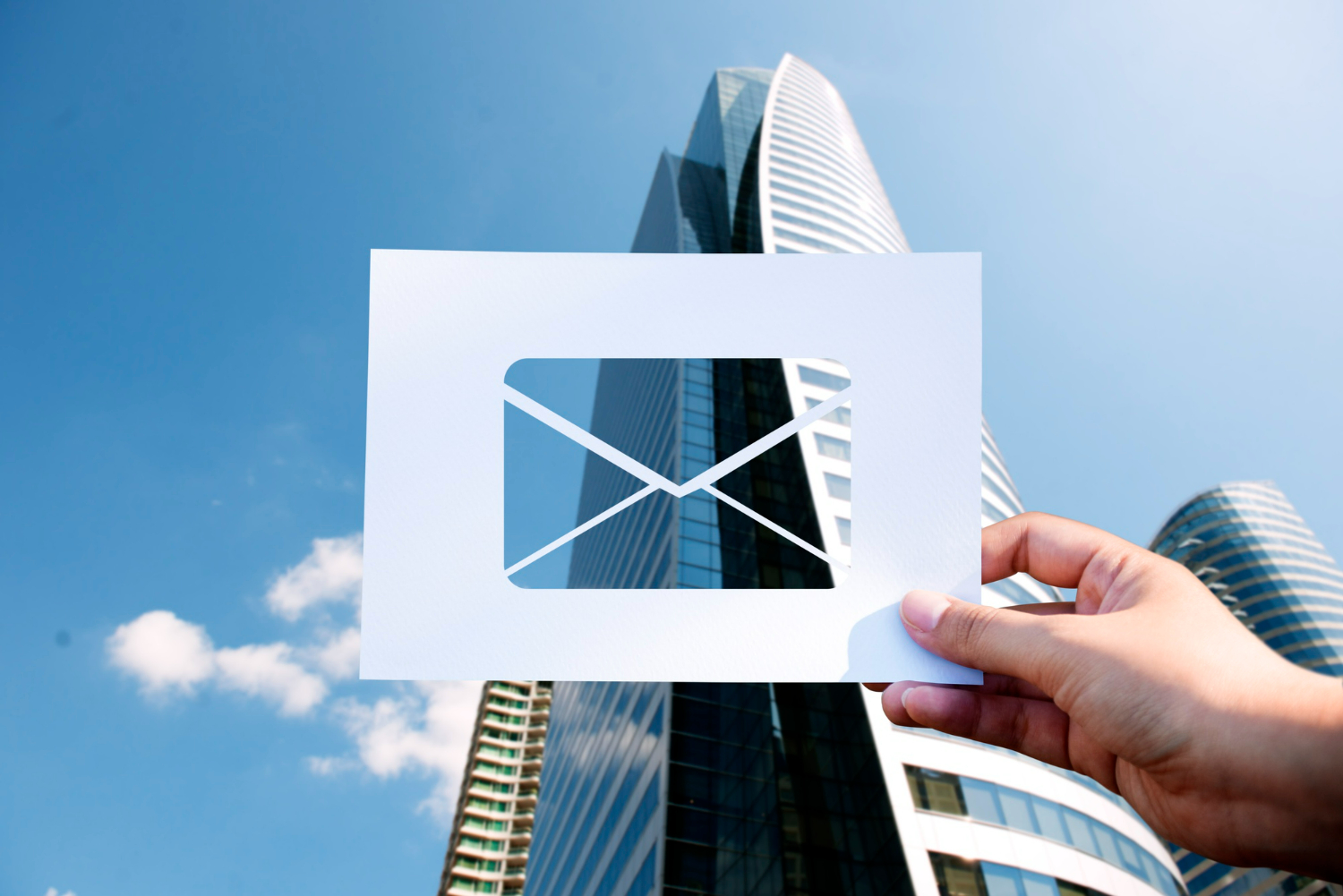
Choosing the Right Stock Photos
Not all stock photos are suitable for email headers. The best images are those that align with your message and brand identity.
Keep It Simple and Focused
Avoid cluttered visuals. Clean, minimal images with a clear focal point work best for headers, allowing your message to stand out.
Use Space for Text Overlay
Select images with negative space where you can place headlines or calls to action. This improves readability and ensures your message is not lost.
Match Your Brand Style
Consistency is key in email marketing. Choose images that reflect your brand’s tone, colors, and overall aesthetic.
Optimize for Fast Loading
Large image files can slow down email loading times. Compress your images without sacrificing quality to maintain performance.
Enhancing Email Campaigns with Visual Content
While static images are essential, incorporating motion can further elevate your campaigns. Using Cheap Stock Video Footage in email marketing—such as GIF-style previews or linked video thumbnails—can increase click-through rates and engagement. These dynamic elements provide a richer experience and help communicate complex ideas more effectively.
Best Practices for Implementation
Test Across Devices
Always preview your emails on both desktop and mobile to ensure your header displays correctly.
Use Alt Text
Some email clients block images by default. Adding descriptive alt text ensures your message is still communicated even if the image does not load.
Maintain File Format Standards
JPEG and PNG are the most commonly supported formats. Choose the format that best balances quality and file size.
Final Thoughts
Stock photos for email header images play a critical role in shaping how your audience perceives your message. By using the right sizes, selecting relevant visuals, and following best practices, you can create email campaigns that are both visually appealing and highly effective. Combining strong imagery with elements like Cheap Stock Video Footage can further enhance engagement, helping your emails stand out in crowded inboxes.